Download Options
Android APK
Download and install the APK file directly — no Play Store required.
Mobile Browser
On iOS or other devices, enjoy the full s444 experience directly in your browser.
Desktop / Laptop
Access the s444 web platform from any modern browser.
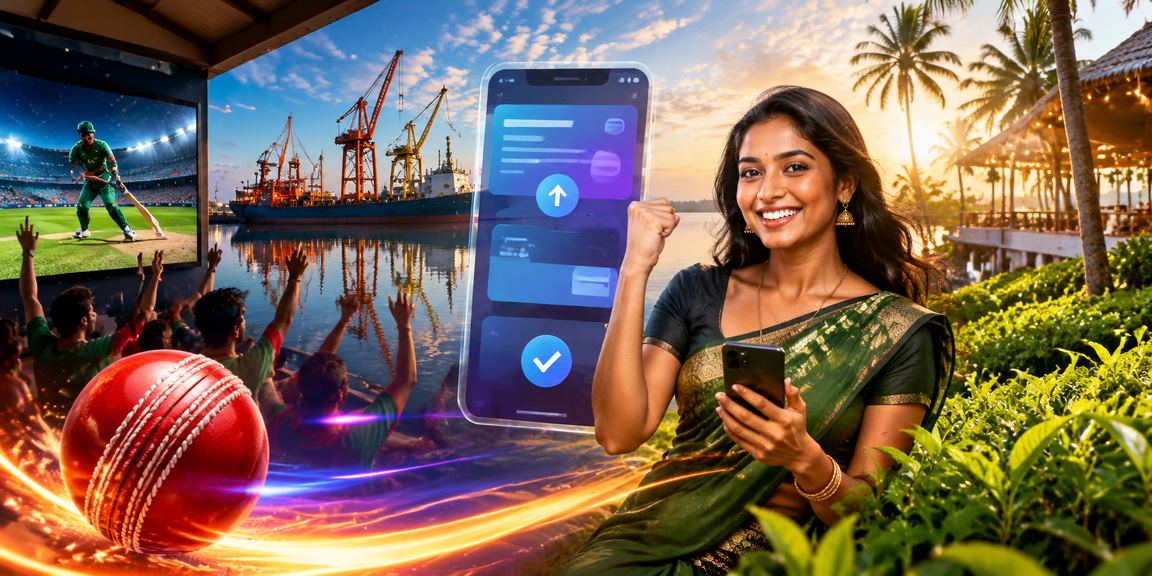
Step-by-Step Guide to Installing the s444 App on Android
Many people get a little stuck the first time they install an APK file. It's actually quite simple — just a few settings to adjust. Here's a straightforward walkthrough of the whole process.
Allow Installation from Unknown Sources
Go to Settings → Security (or Privacy) → "Install unknown apps" on your phone. Grant permission to your browser. This only needs to be done once and can be turned off afterwards.
Download the APK File
Download the APK directly from s444's official site. Once the download is complete, it will appear in your notification bar — tap it, or locate the file through your file manager.
Install
Tap the APK file and the installation window will appear. Tap "Install" — it'll be done in just a few seconds.
Log In or Register
Once installed, open the app. Log in if you already have an s444 account, or register directly from the app if you're new.
Restore Security Settings
Once installation is complete, go back to the "Install unknown apps" setting and revoke the permission. This keeps your phone secure.

What You Get with the s444 App
The s444 app isn't just about convenience — it brings the full platform experience to mobile, redesigned specifically for smaller screens so everything feels natural to use.
Live Sports Betting
Access live markets for cricket, football, kabaddi, and more — all from within the app. With real-time odds updates, you never miss an opportunity.
Popular Casino Games
Slots, poker, roulette, Live Baccarat — all the popular games are available right in the app, optimized for mobile screens.
Push Notifications
New bonuses, match kick-offs, deposit confirmations — get instant push notifications for all of it. This feature is exclusive to the s444 app.
Fingerprint & Face Lock
Log in quickly with fingerprint or face unlock — no password required. Save time without compromising security.
Fast Payment
Use Mobile Pay, Nagad, and Rocket directly from the app. Deposits and withdrawals are both just a few taps away.
Runs Smoothly on Low Data
The s444 app works well even on slow internet connections, delivering a satisfying experience in rural or weak network areas.

System Requirements
The s444 app doesn't need a high-end phone. It runs smoothly on mid-range Android devices commonly used in Bangladesh.
| Topic | Android App | Mobile Browser |
|---|---|---|
| Operating System | Android 6.0 or above | Any modern browser |
| RAM | At least 2 GB | At least 1 GB |
| Storage | ~30 MB Free Space | Not Required |
| Internet | 3G or above | 3G or above |
| IOS Support | Use the Safari Browser | IOS 13+ Supported |
Safe Download Guaranteed
The s444 APK file is regularly security-checked. Do not download the app from any third-party sites — always use the official s444 website.
App Performance at a Glance

Download FAQs
Some Useful Tips for Using the App
Use Dark Mode
Enable Dark Mode on the s444 app when playing at night or in low-light conditions. It reduces eye strain and helps your battery last longer.
Update on Wi-Fi
Try to use Wi-Fi when updating the app. It saves your mobile data and the update completes faster.
Keep Cache Clear
Clear the s444 app cache every now and then: Settings → Apps → s444 → Clear Cache. It helps the app run faster.
Set Up Biometric Login
Enable fingerprint login from the app settings — no more typing your password every time. It's both faster and more secure.